
Carpooling for parents
Share the driving. Skip the group chat.
Plan school runs, practices and quick trips with families you trust. Claim a ride in one tap, and get every stop in your maps app.
New here or returning? Sign in with your email to get started.
A quick look
See a driving turn from start to finish.
Actual app screens with fictional families and sample rides.
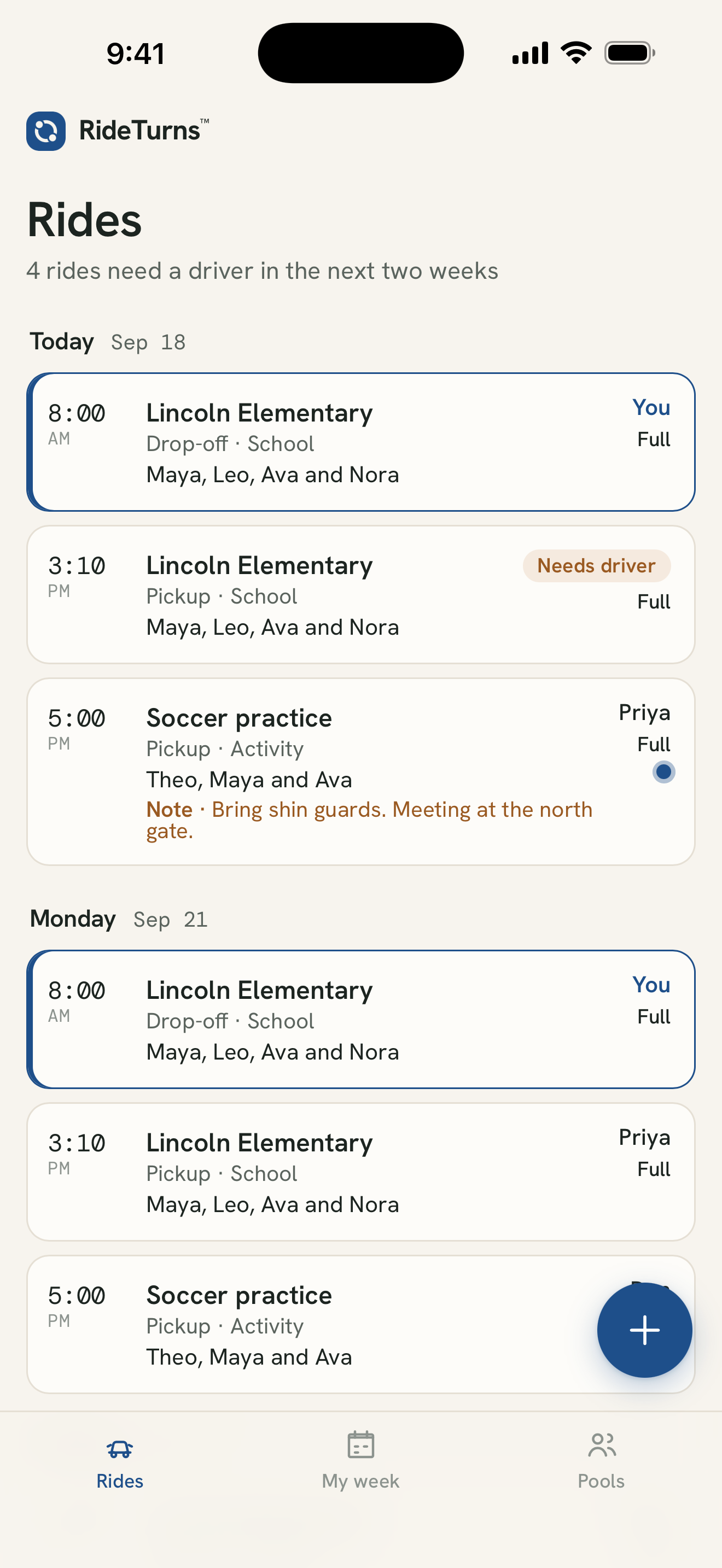
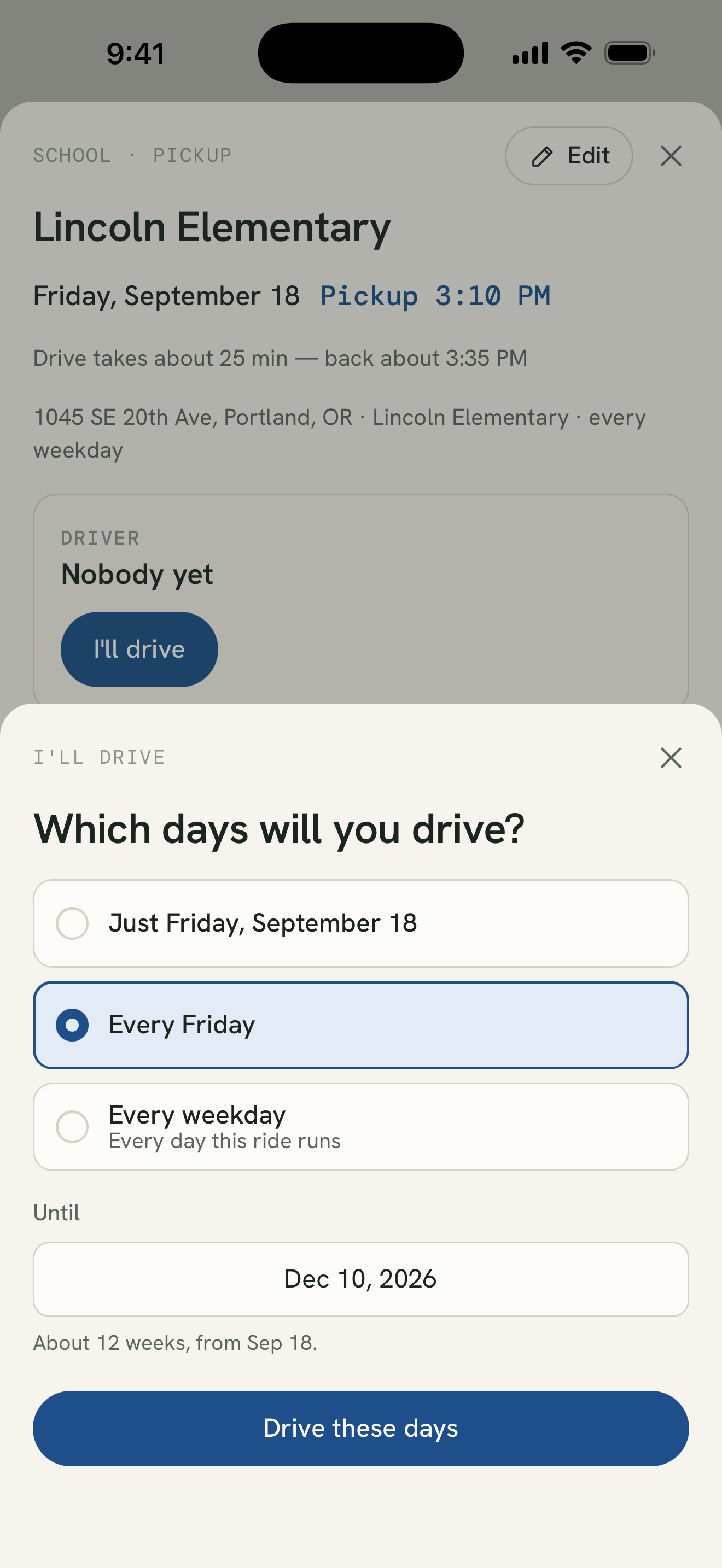
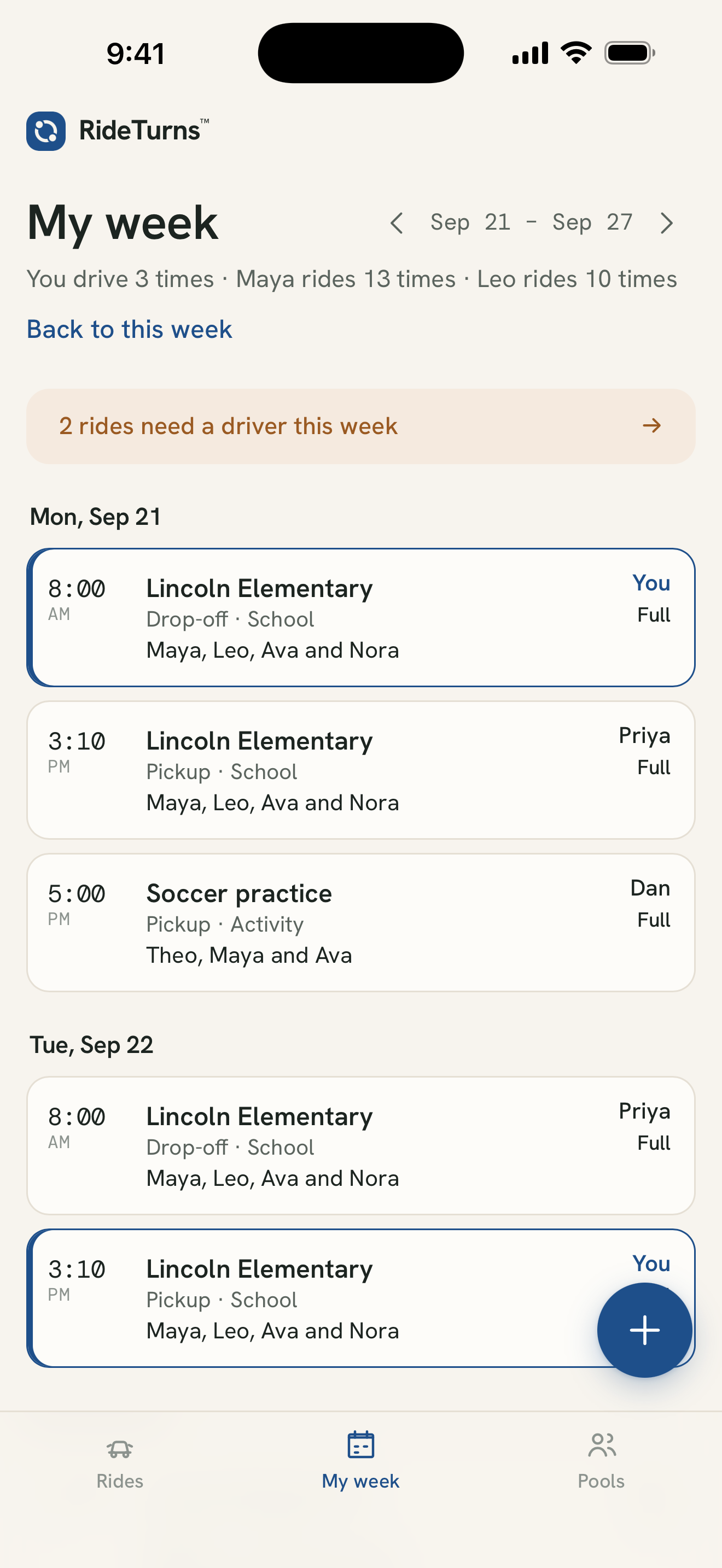
You choose who to invite. RideTurns coordinates plans; it does not supply or screen drivers.
Make your next carpool easier
Practical guides for parents.
Organize a school carpool
Plan drop-offs, pickups and a backup when a driver can't make it.
Share rides to practices
Coordinate changing practice times, seats and meeting places.
Make a driving schedule
Agree on turns without losing decisions in a group chat.
Choose how you use RideTurns
Your carpool, on your phone or computer.
Web app · Available now
Open RideTurns in your browser to plan rides and take turns with your pool.
Open web appiPhone app · Coming soon
Submitted to Apple for review. The App Store download link will appear here when the app is available.
Android app · Coming soon
We're preparing the Google Play release. The download link will appear here when the app is available.
AI assistant connections · Limited beta
Talk to your carpool.
Ask ChatGPT about your week or suggest a driving turn. Our limited connection has been tested with ChatGPT. You'll review each change in RideTurns before it happens.
Ask about your week
“Which school runs need a driver next week?”
Suggest a turn
“I'd like to drive Monday's school run.” A suggestion waits for your approval.
Use the app your way
The familiar ride buttons stay. You won't need an AI account to use RideTurns.
The limited beta requires manual connection setup. Claude support is planned but has not been tested. Voice support depends on your assistant and plan and has not yet been verified. Connected assistants receive selected schedule details and your own kids' first names; home addresses and live location are excluded.
How it works
Set up in minutes.
Start a pool
Name it for the school, team or street. Add your kids' first names and your address.
Invite families
Send the link. Only people with it can join, and everyone sees the same rides.
Take turns
Tap "I'll drive" on an open ride. Can't make it? Hand it back.
What's in it
Everything a carpool needs. Nothing it doesn't.
Rides that repeat
Every weekday, Mondays and Wednesdays, or just once. Drop-offs and pickups, with a seat limit.
Every stop, in order
One tap opens the whole route in Google Maps. Or go stop by stop in Apple Maps or Waze.
Live location
Drivers can share where they are, then tap Arrived. No more waiting at the curb.
In your calendar
Subscribe once in Apple, Google or Outlook. It updates itself.
One-day notes
"Maya has cello today." A note stays on its date.
On any phone
Works in your phone's browser. Add it to your home screen and it opens like an app.
Private by design
Parents hold the accounts. Kids are first names.
- Only families in your pool can see it. No search, no directory.
- Kids never sign up. We keep their first names, nothing more.
- Location is shared only while driving, only with the pool, and deleted on arrival.
- No ads. We never sell your information.
- Delete your account any time, and your family's data goes with it.
Your turn.
Sign in with your email. No password needed.
Open web app